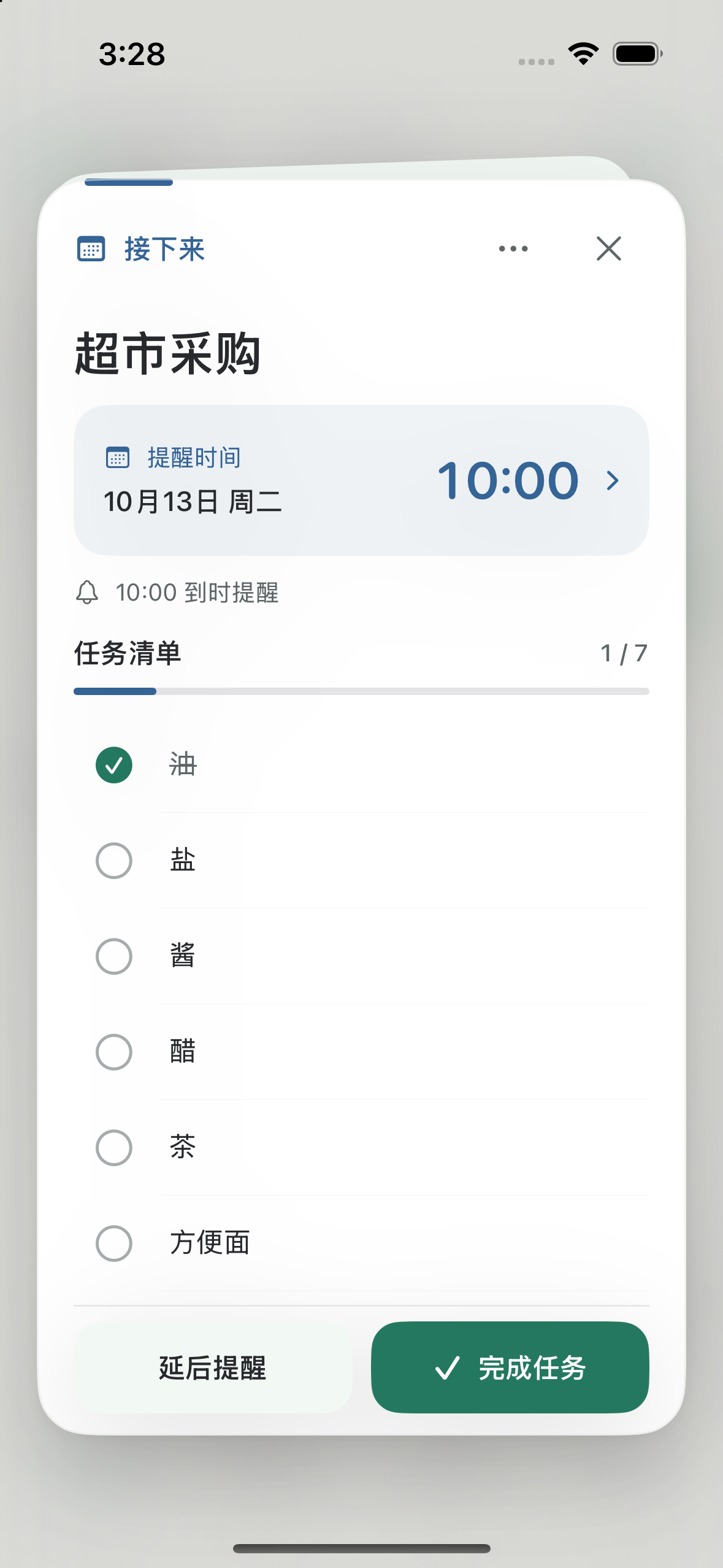

“Buy milk, eggs, and bread at the supermarket on Saturday at 10 am.”
Supermarket shopping
Saturday · 10:00
- Milk
- Eggs
- Bread
Check items off individually and see what is still on your list.
Type it or say it. Keep your tasks, checklists, plans,
and everyday thoughts together with Pingoo.
The new Pingoo brings notes and everyday plans together.
Tasks, ideas, notes, and journals each have a home.
Set a one-time, repeating, or location reminder.
From today’s plans to the dates you celebrate each year.
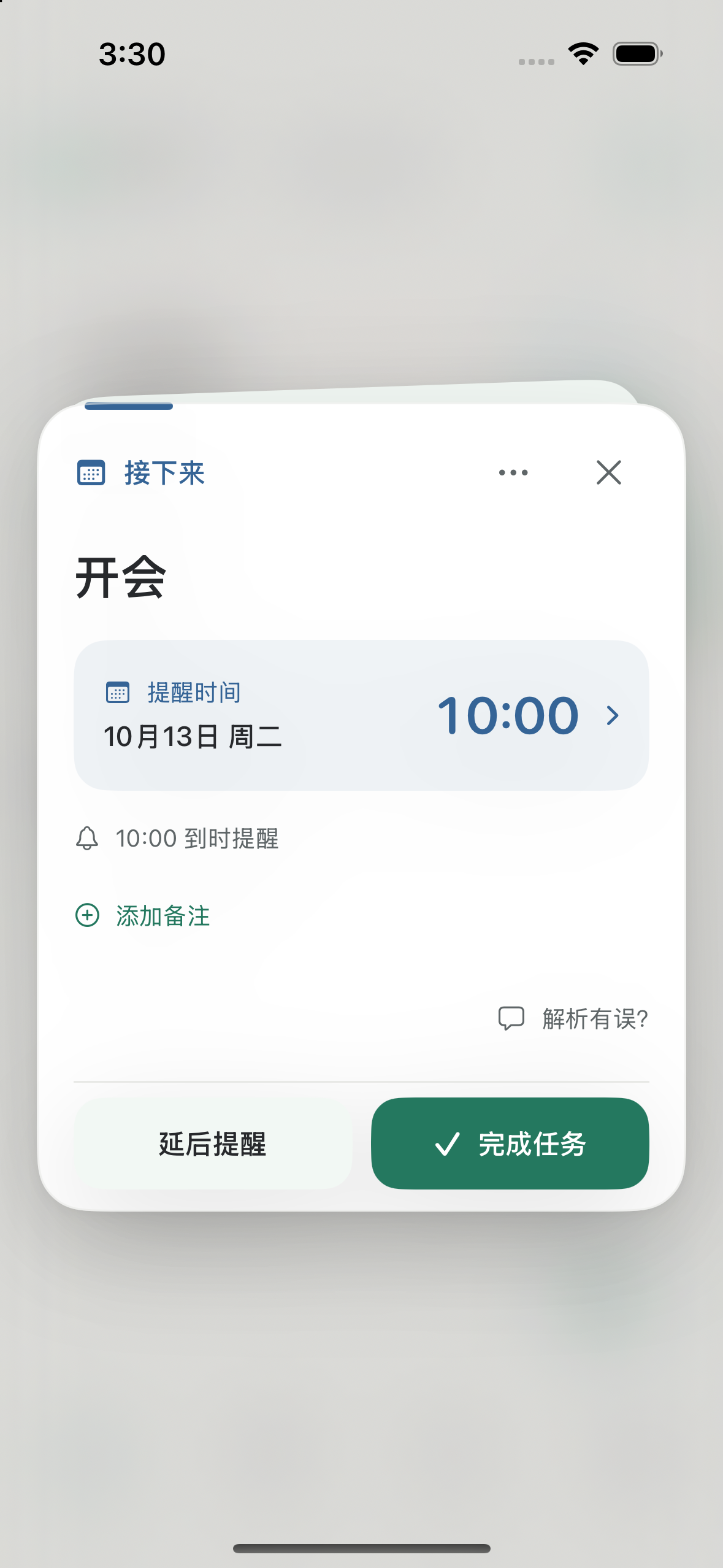
Glance at a reminder and follow your checklist.
This page introduces version 1.1.1. The current App Store version is 1.0; new features require the corresponding App Store update.
Choose a scene to see a feature illustration. This page does not create notes or reminders.
“Buy milk, eggs, and bread at the supermarket on Saturday at 10 am.”
Saturday · 10:00
Check items off individually and see what is still on your list.
“Remind me to submit my weekly report every Friday at 3 pm.”
Every Friday · 15:00
Complete this occurrence and keep the next one, or snooze just this reminder.
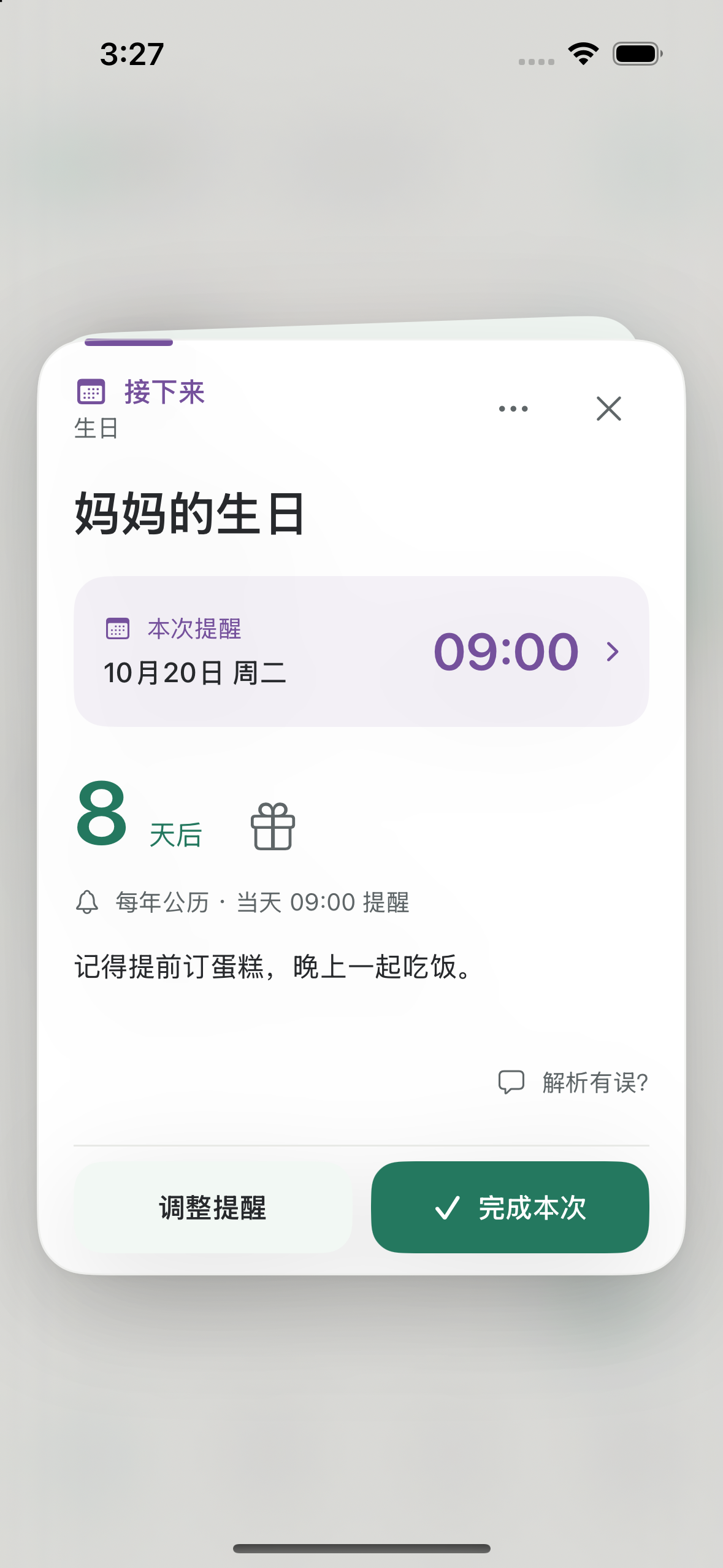
“Remember Grandma’s birthday on the 15th day of the eighth lunar month.”
Yearly · Lunar month 8, day 15
Keep birthdays, anniversaries, and custom dates together, using Gregorian or Chinese lunar dates.
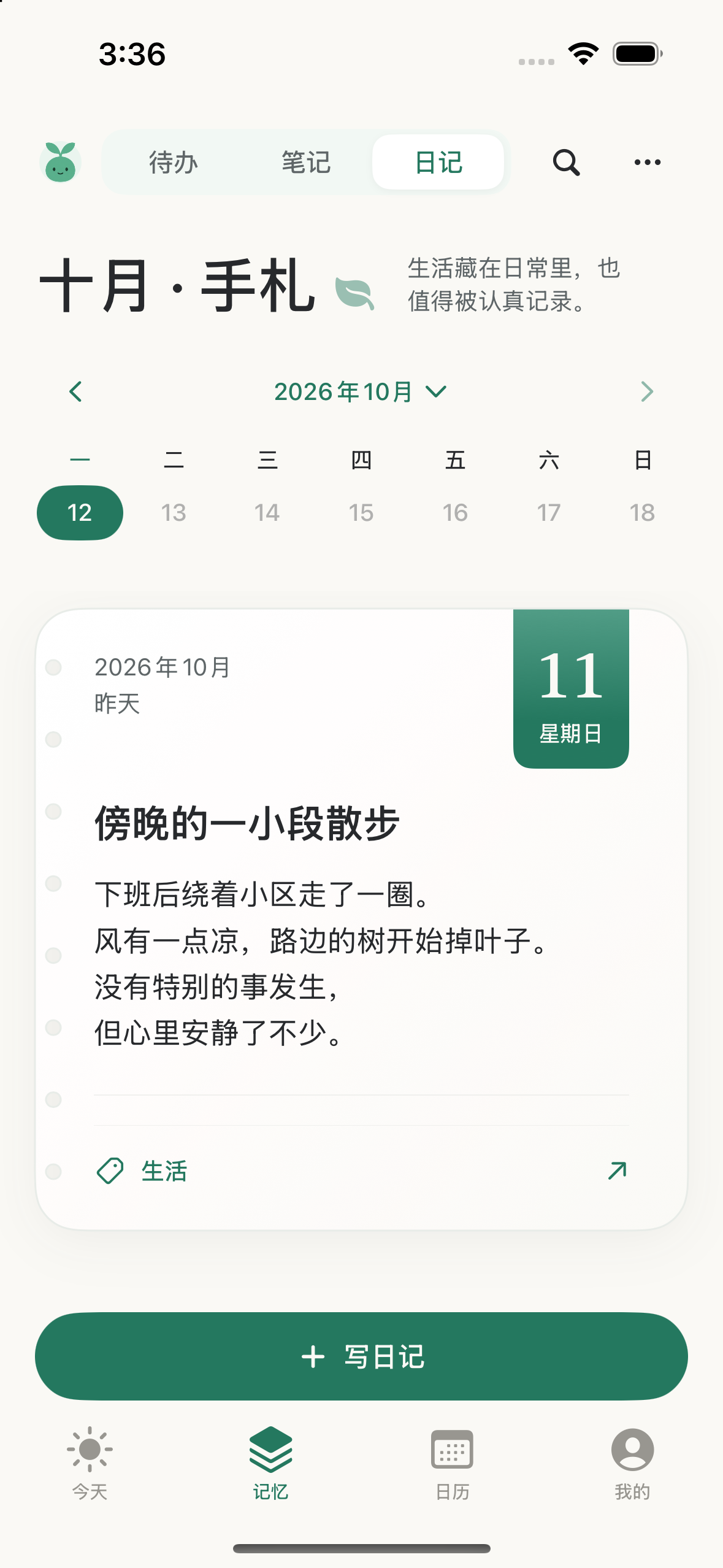
“Went to the beach with friends today. The breeze felt lovely.”
Journal · Today
Keep the moments and feelings from your day, then revisit them by date.
“Remind me to take my medicine at 9 am every day for the next three days.”
Daily · 09:00 · 3 occurrences
Set it once and review the next three dates. Repeating ends as planned; unfinished tasks remain.
“Remind me to organize my files every Wednesday at 9 am for three weeks.”
Wednesdays · 09:00 · For 3 weeks
A weekly reminder that ends after three weeks. You can also choose an interval, multiple weekdays, or an end date.
An easier way to remember, plan, and keep everyday life in order.
Type a note or hold the microphone to speak. Revisit your original words, edit the title and content, or create a record manually.
VIP can turn several tasks in one long voice note into separate records.
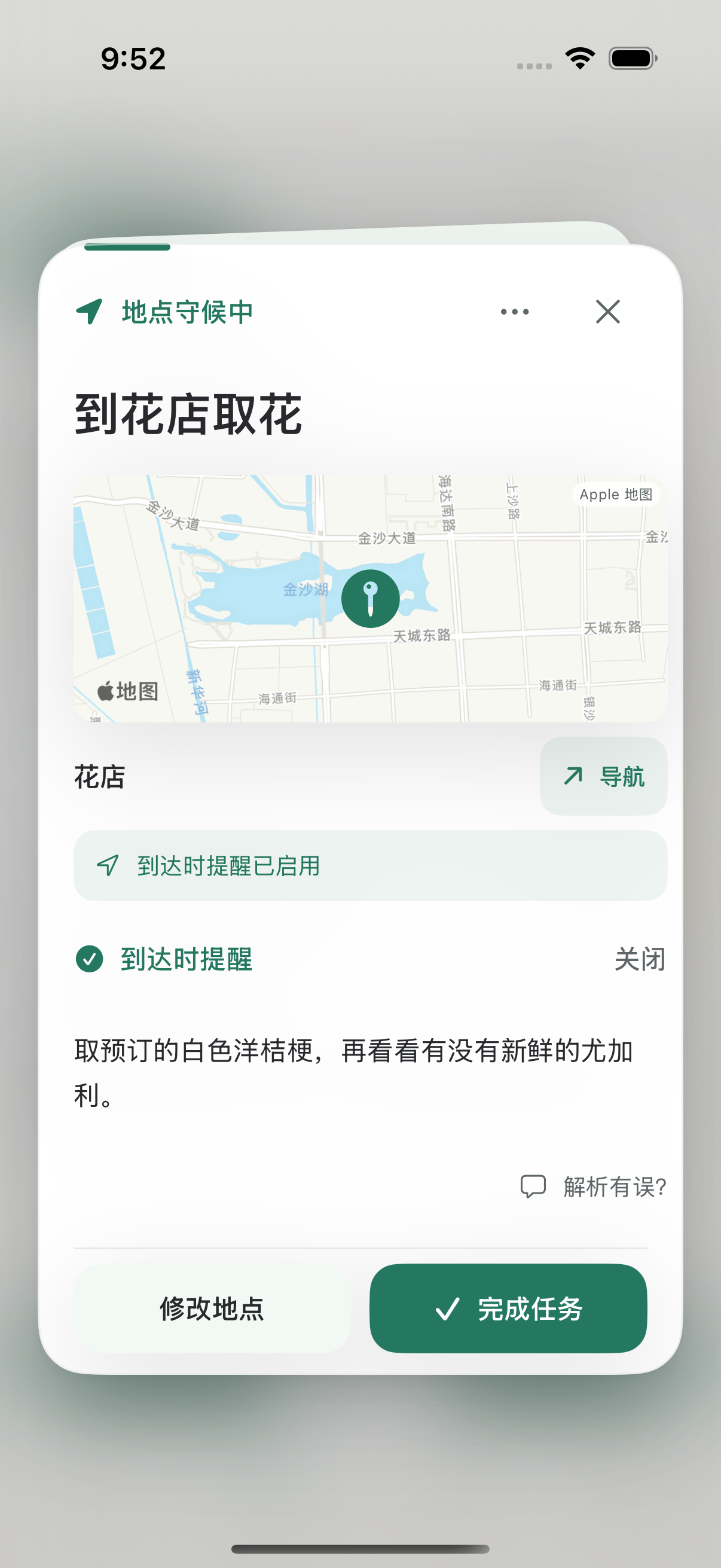
Choose a time, or get a reminder when you arrive at or leave a selected place. Plan recurring tasks by day, week, month, or year.
Daily and weekly reminders can also run for a limited number of days or weeks, with a set number of occurrences or an end date.
Location reminders need a confirmed place and location permission. Delivery depends on system permissions and settings.Every Friday · 15:00
On arrival at the selected library
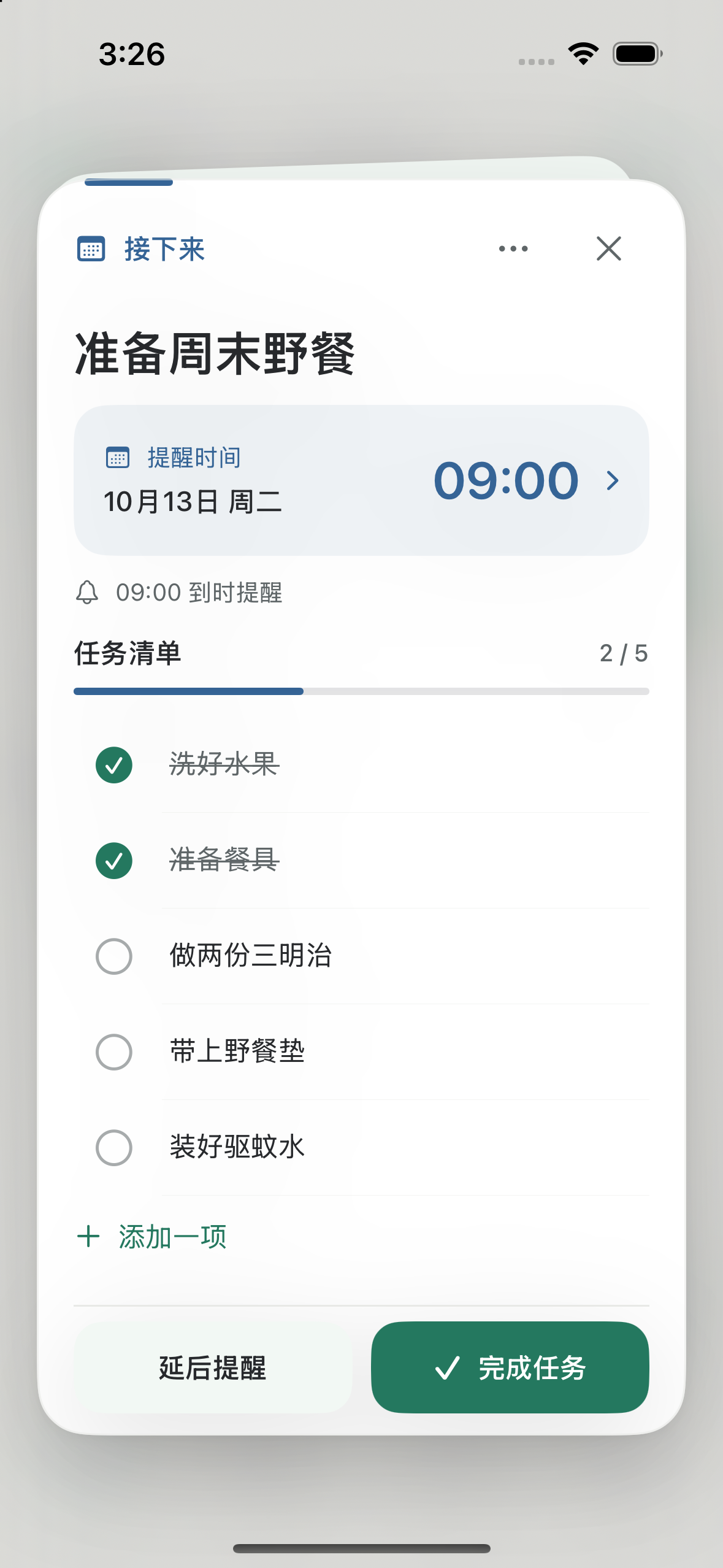
Keep shopping, packing, and the steps of a task together. Check off or undo individual items and see your progress.
Repeating checklists can carry on with your next occurrence.1 of 3 complete
See plans in month, week, day, and timeline views. Keep birthdays, anniversaries, and custom dates using Gregorian or Chinese lunar dates.
VIP can sync tasks to Apple Calendar.
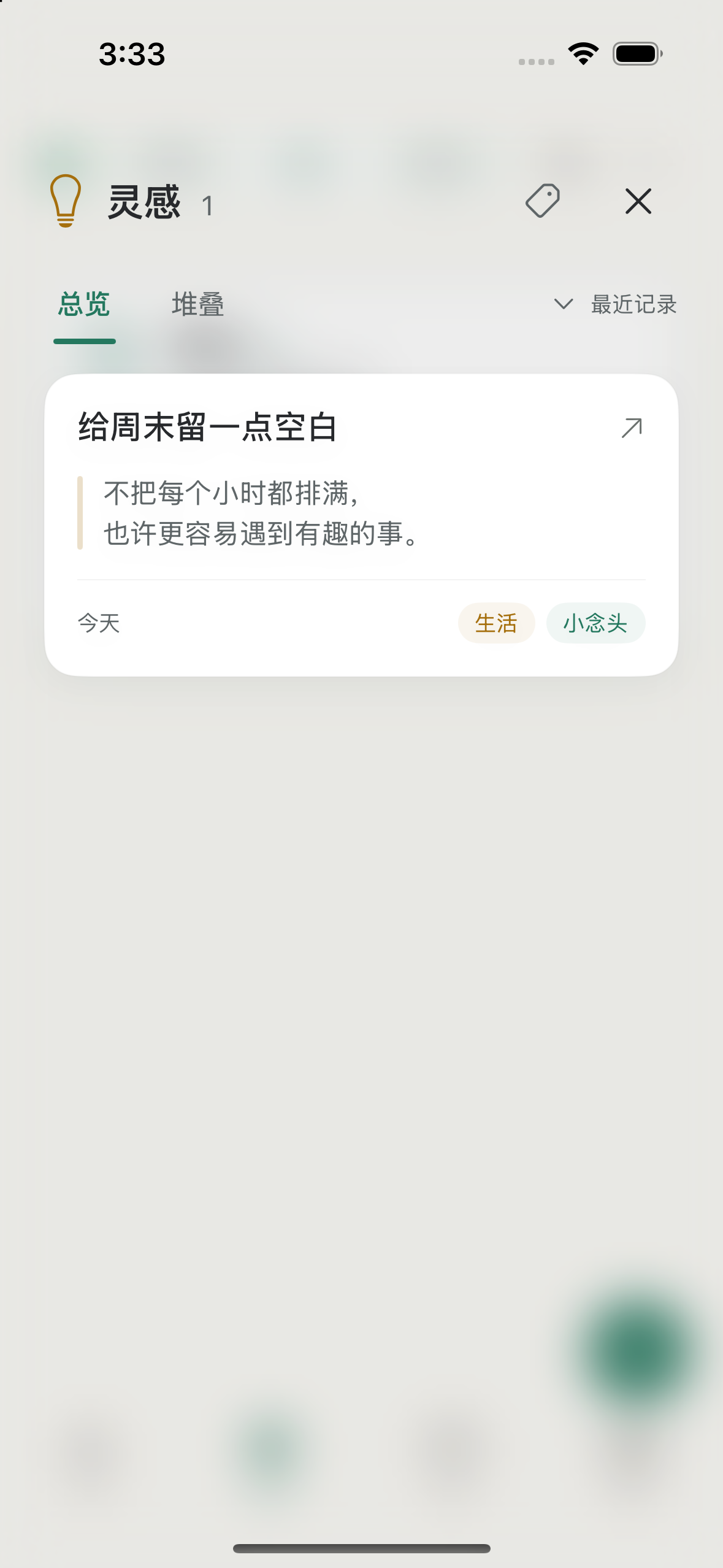
Save ideas and information in notes, and everyday experiences in your journal. Choose a past date to add a missed entry. Search by keyword or tag, edit, and archive what you want to keep for later.
A floor lamp by the window, and a comfortable chair for a quiet afternoon with a book.
Choose reminder, checklist, calendar, quick-note, and special-date widgets. Live Activities and Dynamic Island keep the current reminder and checklist progress in view.
Dynamic Island requires a supported iPhone. Available information and actions vary by surface.A task to do, a thought to keep, or a day to remember.
Submit the report
on Friday at 3 pm
A floor lamp
by the window
Remember
Grandma’s birthday
Return the book
at the library
Pack three things
before heading out
A beach day
with friends
The original is not replacedThe organized result is stored separately.
Edit or delete at any timeYou control your notes and account data.
Hide notification detailsThe lock screen can show a generic message instead.
Tasks and shopping lists, ideas and notes, daily journals, birthdays, and anniversaries. Capture them with text, voice, or manual entry.
No. When the details are clear, Pingoo organizes and schedules the record. When something essential is missing, it asks you to add or choose details. You can review and edit the result at any time.
Yes. You can create and edit records manually. AI organization needs consent, a network connection, and available quota. You can also revisit your original words.
Each period, Free includes 30 AI uses and uses local speech recognition, which may produce inaccurate transcripts. VIP includes 300 AI uses, 60 minutes of cloud speech recognition for greater accuracy, multiple tasks from a long voice note, Apple Calendar sync, and additional themes and Dynamic Island styles. Both plans support account sync. Check the membership page for your balance and reset date.
This page introduces version 1.1.1. The current public App Store version is 1.0; new features require the corresponding update. Pingoo runs on iPhones with iOS 18 or later. Some features also require system permissions, supported hardware, or VIP.